What Is a Good Mix?
Most mix problems are not obvious when you are sitting at your desk. They show up later - on the drive home, on headphones, on a friend's Bluetooth speaker. Something that sounded right through monitors reveals itself as muddy, thin, or just slightly off in a different environment.
RoEx has analysed over 7 million tracks through Mix Check Studio. The same problems come up consistently. Here is what a good mix actually requires across the five areas that matter most - and what the data shows about where independent music most commonly falls short.
1. Tonal balance
A well-balanced mix has the right amount of energy across the frequency spectrum - bass, midrange and highs all present in appropriate proportion for the genre. Nothing is overwhelming anything else. Nothing is missing.
In practice this is harder than it sounds. Bass-heavy genres like electronic music consistently show exaggerated low-end energy in our dataset - too much bass relative to the midrange, which creates a mix that sounds impressive on subwoofers but muddy and indistinct on earbuds. Acoustic and folk genres show the opposite: insufficient low-end presence that makes the mix sound thin on consumer speakers.
Tonal balance problems that exist at the mix level cannot be fixed at the mastering stage. A mastering engineer working on a stereo file cannot separate the bass guitar from the kick drum. The fix has to happen before the mix is bounced - which is why Automix processes each stem individually rather than applying blanket treatment to the finished file.
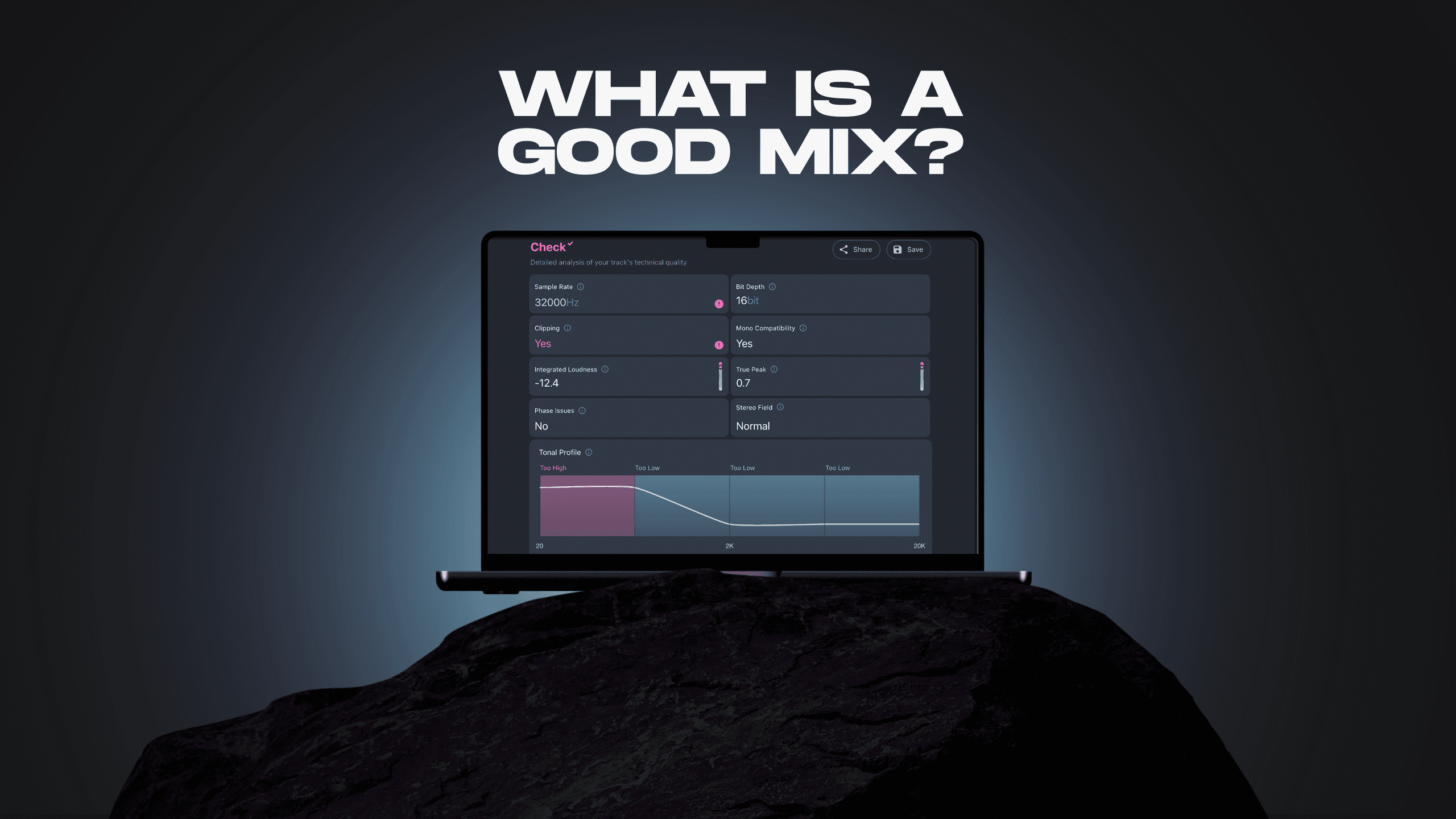
Mix Check Studio shows you exactly where your mix sits against a frequency-balanced reference. If something is significantly out of range it will be visible immediately.
2. Compression and dynamic range
A good mix has controlled dynamics - quiet parts and loud parts are balanced in a way that feels natural rather than either chaotic or squashed. Compression is the tool that manages this, and it is the area where the data shows the biggest gap between independent and professional production.
46% of mixes in our dataset showed signs of undercompression. The dynamic range was too wide - individual elements jumping in and out of the mix without the glue that holds everything together. Undercompressed mixes often sound fine in isolation but fall apart in a playlist context, where they sit alongside tracks that have been compressed properly.
The opposite problem - overcompression - removes the life from a track. Transients that give percussion and guitars their character get flattened. The mix loses energy and starts to sound like everything else that came through the same template.
Getting compression right is about serving the music rather than hitting a target. The right amount depends on the genre, the arrangement and what the track is trying to do. This is one of the areas where stem-level processing - treating the vocal differently from the drums, the bass differently from the guitars - produces results a stereo processor cannot match.
3. Loudness
A good mix masters to a loudness level that serves the track and meets streaming platform standards. In practice, most independent tracks are mastered significantly too loud.
79% of mastered tracks in our dataset exceeded Spotify's recommended loudness level of -14 LUFS. 92% exceeded Apple Music's recommendation of -16 LUFS. The consequence is automatic normalisation - streaming platforms turn the track down, and the heavy limiting used to achieve that loudness becomes audible as distortion and pumping.
A well-mastered track for streaming sits at around -14 LUFS integrated with a true peak ceiling of -1dBTP. Run your finished master through Mix Check Studio before you submit to a distributor. The loudness reading tells you exactly where you stand. For a full breakdown of LUFS targets by platform, What LUFS Should I Master At? covers every platform in detail.
4. Stereo width
A good mix has appropriate width - elements are placed in the stereo field in a way that creates space and depth without causing phase problems in mono playback.
Too narrow sounds flat and unsatisfying on any system with speakers. Too wide creates the mono compatibility problems that affect 17% of mixes in our dataset - elements that sound fine in stereo but cancel or collapse when the track is played on phone speakers, Bluetooth devices and club PA systems.
The practical rules are straightforward. Keep bass and kick drum centred - sub frequencies should always be in mono. Spread mid-range elements like guitars and synths to create width. Keep the lead vocal centred with supporting elements adding peripheral space. Check your mix in mono regularly during the session, not just at the end.
5. Phase coherence
Phase issues occur when elements in a stereo mix are out of sync, causing frequency cancellation. The result is a mix that sounds full in stereo but loses critical information in mono playback.
16% of mixes in our dataset showed phase issues. What is notable is that 15% of mastered tracks also showed phase issues - almost the same rate. This means mastering is not catching or correcting these problems. They go through to release undetected.
The mono compatibility check in Mix Check Studio identifies phase issues before you distribute. The most common cause is heavy stereo widening on bass-heavy elements. If it flags something, reduce the stereo width on the affected tracks - particularly anything in the low-mid to low frequency range.
Putting it together
A good mix gets all five of these right simultaneously. That is harder than addressing any single one in isolation because they interact - the right loudness depends on the compression decisions, which depend on the dynamic range, which is affected by the tonal balance.
The easiest way to check where your mix stands across all five is Mix Check Studio. Upload your track and get an instant reading on tonal balance, loudness, dynamics, stereo width and phase coherence - free, no account needed.
If the analysis reveals mix-level problems that need addressing at the stem level, Automix processes each element individually. If you have a finished stereo file that needs improving, Mastering+ handles it from within Mix Check Studio.
For a full breakdown of what the data from 7 million tracks shows across each of these areas, What RoEx Learned From 7 Million Tracks covers every finding in detail.
Learn