Stereo and Phase 101
Successful stereo is essential to great mixes – we cover the full spread of terms, tools, and techniques
‘Stereo’ is a word most people don’t encounter these days. Before the 90s, everybody at least saw it written on their parents’ record collection. And from the late 60s, British people even referred to their home sound system as ‘the stereo’. But go to the AirPods section of the Apple Store, and you won’t even see it mentioned.
Nevertheless, almost all recorded music is supplied and broadcast in stereo. And stereo sound has never been wider or more in your face. Luckily, the tools to craft great stereo mixes have never been more accessible.
In this article, we’ll define all the key terms you need, list the main tools, and warn you about the problems that can arise. And, of course, explain how to avoid them.
And, thanks to tools like Mix Check Studio and Automix, it’s never been easier to achieve pro-quality stereo that doesn’t sacrifice width for punch
What is stereo?
Stereo is short for ‘stereophonic’. And if you’re ever compiling questions for a pub quiz, ‘stereophonic’ is a compound word from the Greek for ‘solid’ and ‘voice’ (‘stereos’ and ‘phōnē’). Stereo, you see, uses two speakers to create the illusion of a singer (or flute or anything) in a sonic space. It feels… solid.
There’s a reason we have two ears. We detect the position of sound based on the difference between the soundwaves arriving at the left ear and the right ear (time delay, level, and tonal characteristics). That’s why music from a conventional mono (single) speaker will appear to come from the direction of that speaker, but place somebody in front of two speakers, and you can make a vocalist seem like they’re right in front of you with one guitarist on the left and another guitar off to the right.
The original idea was to create more lifelike mixes. Although in early stereo, when even Abbey Road’s cutting-edge REDD consoles only had a simple Left, Centre, Right option, you might hear the bass hard panned to one side and the drums to the other.
This idea of moving left to right in space is where we get the word ‘pan’ from, by the way. It’s short for ‘panorama’. And this idea of creating a picture extends to other parts of the lexicon – we often talk about the ‘stereo image’.
But before we can discuss stereo properly, we need to talk about phase, because phase is at the heart of almost every stereo-based problem we encounter in mixing and mastering.
Just a phase
There are whole books on phase, but rest easy – you only need a basic understanding to avoid problems.
Sound and audio signals travel in cyclic waves, and phase refers to the position in time of audio waves, which sounds complicated until you see it in a graph.
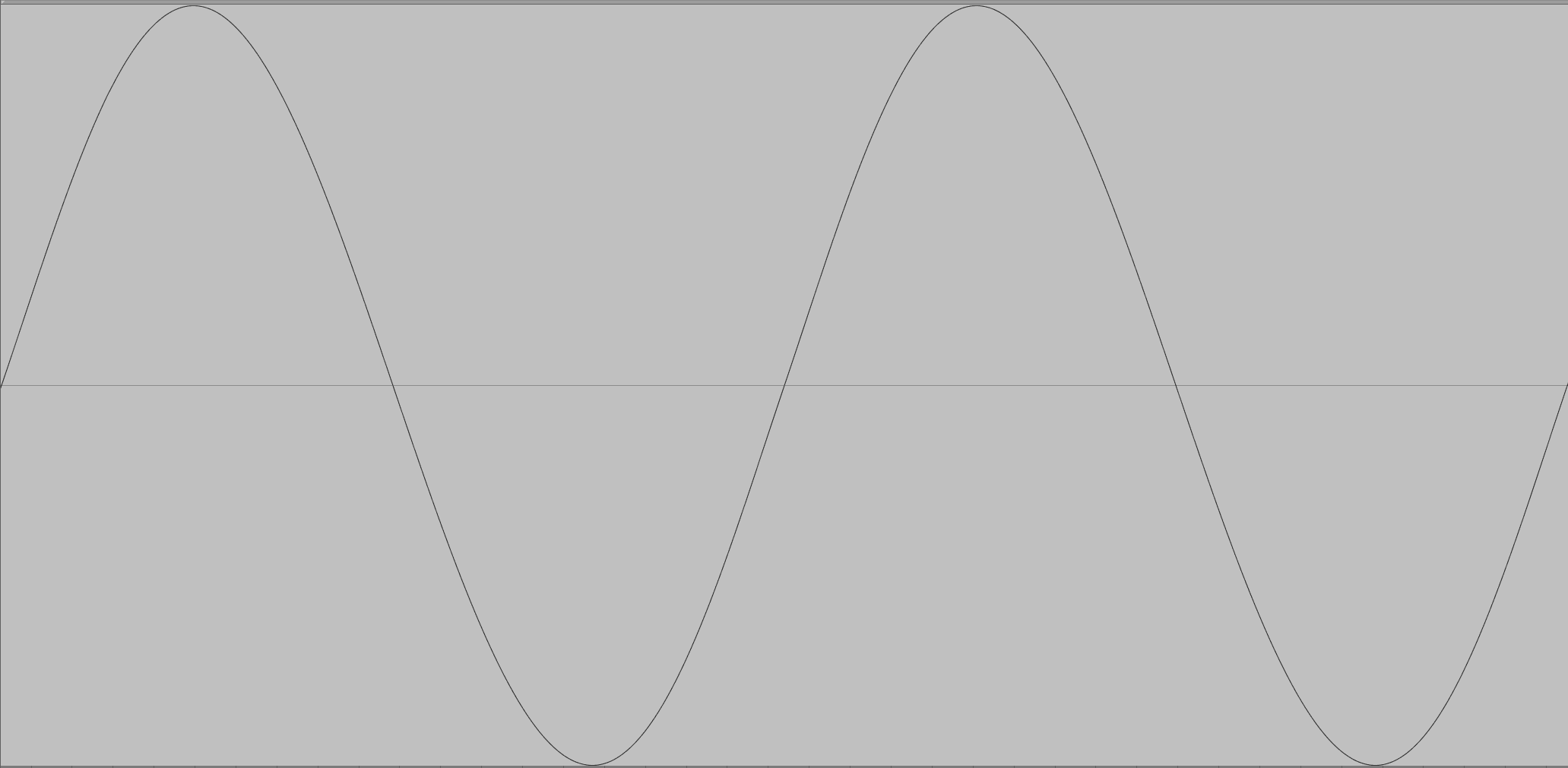
That’s a sine wave playing the note C3, and it sounds like this.
Notice how the wave starts above the line, then goes below the lin,e then comes back up? Then cycles? We can flip that waveform over.
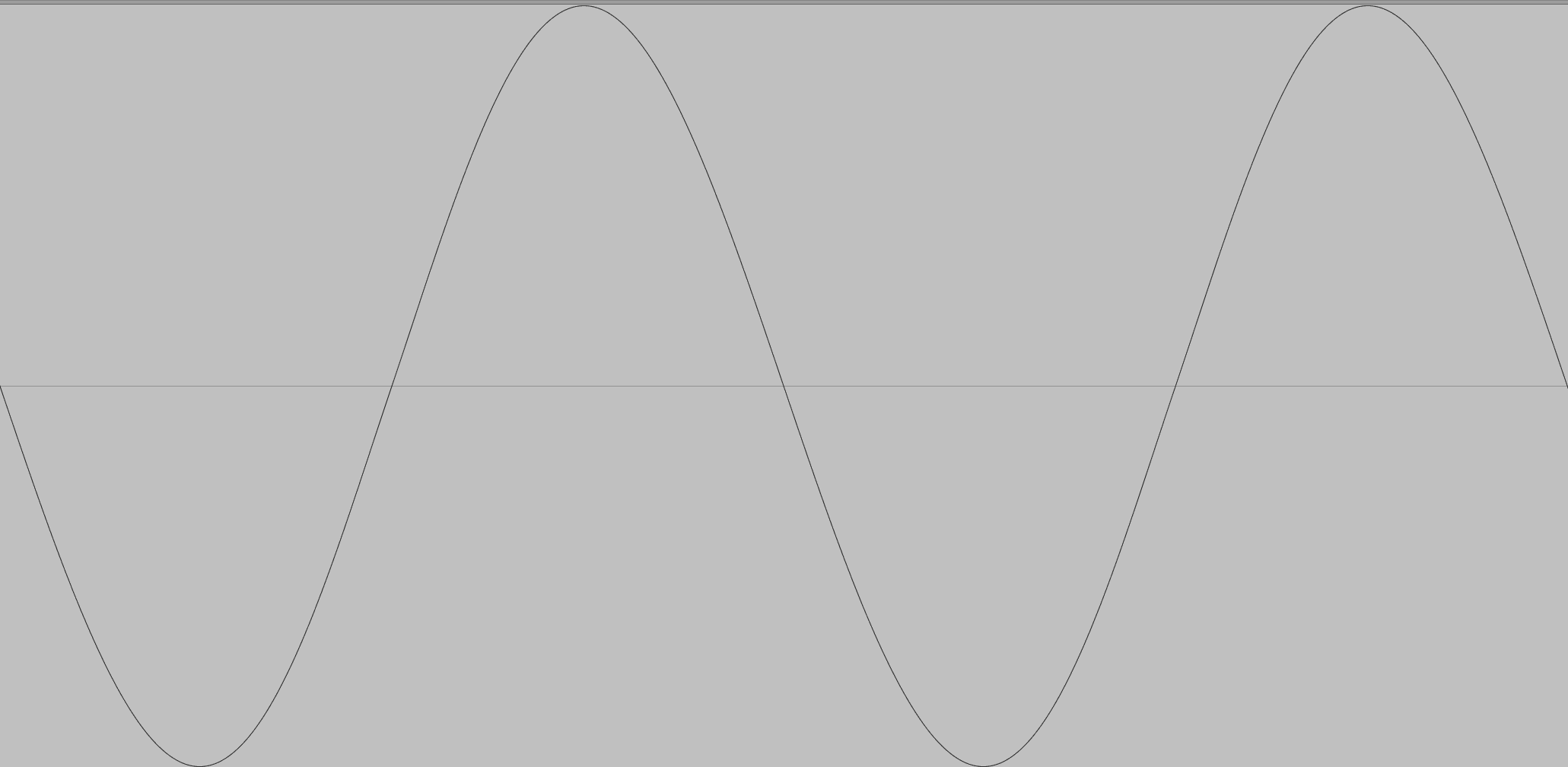
This is called swapping the polarity. And because it cycles so fast (130.8 times per second at C3) we don’t hear that it’s flipped.
Audio Link: Inverted_sine_C3.mp3
Now it starts getting fun. Let’s move our original audio file over by half a cycle.
It looks identical to our polarity-inverted waveform. And sonically, it is. But we have, in fact, shifted its phase – its relative position in time – by 3.82 milliseconds.
Phase Cancellation
If phase-shifted and inverted waveforms both sound the same as the original, who cares? Well, let’s see what happens if we play the original at the same time as either the phase-shifted or inverted version.
Audio Link: Cancelled_sine.mp3
Don’t adjust your speakers – they’ve cancelled each other out. And you can do exactly the same thing with an entire song. Invert the polarity, play it with the original… silence.
In most contexts, this cancellation doesn’t arise because nature has flipped the waveform over. It happens because one of two identical (or very similar) waveforms has arrived slightly later, out of phase.
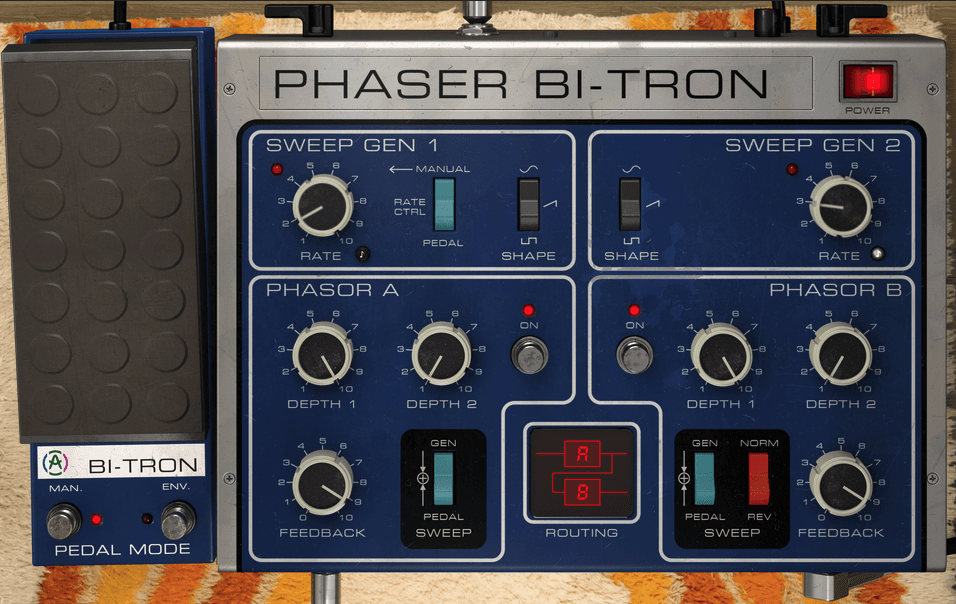
This is quite common, caused by stereo processors, reverb plugins, real-world sonic reflections, miswired cables, or even the way an instrument is recorded. And as we’ll see, this can be useful… or disastrous.
Good phase vs. bad phase
Phasing isn’t inherently good or bad; it’s entirely contextual and can largely be thought of as the difference between intentional creative effects and unwanted playback issues.
Unwanted phasing
We producers, spend a lot of time carefully composing, recording, and mixing our tracks, so it stands to reason we want them to sound good to our listeners. Anything that alters or warps our vision is therefore unwelcome, and that’s what phase cancellation can do.
And the phasing we encounter in mixing is usually more insidious than the manufactured example above, as we often don’t notice it’s happening. If our bass is phasing, it could lead to our track sounding very tinny and light without us knowing why. Or worse, it might sound fine to us, but if left and right are combined to mono for playback, the bass frequencies could all but disappear.
We’ll discuss unplanned phasing shortly, but first let’s look at some of the creative ways we use phase in the studio – because both unplanned and planned phasing can cause some of the same problems.
Creative phasing
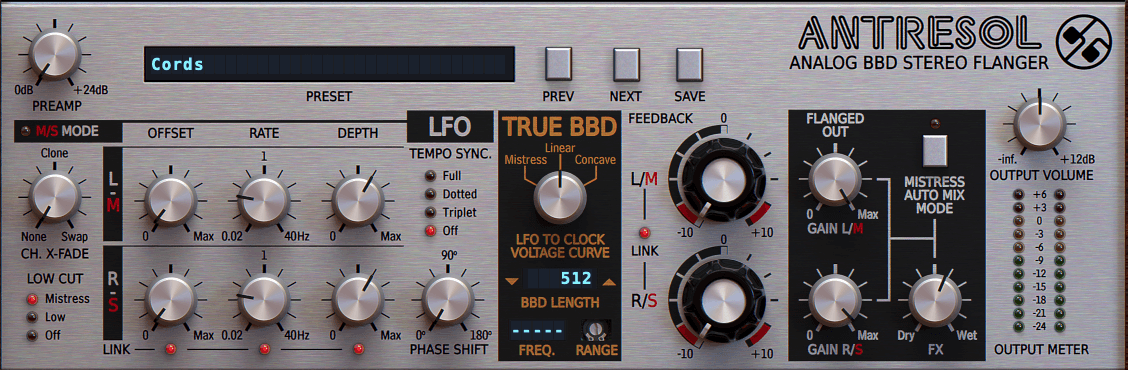
A number of classic studio effects rely on some degree of phase cancellation effect. Both phasing and flanging use it to introduce iconic whooshing or ethereal effects. Chorus, too relies on this effect, often incorporating stereo spread for some intense widening. And rotary speakers derive much of their character from phasing.
Here are some examples applied to a sampled loop, starting with the unprocessed version for comparison:
Audio Link: Comb_filter_drums.mp3
Audio Link: Rotary_speaker.mp3
Phase-based effects can create more dynamic, interesting sounds; help slot things into busy mixes; generate special effects; and introduce powerfully wide stereo effects to mono signals. But more on that in a minute.
Stereo vs. Dual Mono
Before we continue, it’s important to know the difference between stereo and dual mono. To be thought of as stereo audio, the information in the left and right channels must be different.
If you have exactly the same audio in both the left and right channels, that’s dual mono, even if it’s contained in the two-channel stereo format. It only really becomes stereo when you do something to introduce a difference between the two channels.
It doesn’t matter what the change is – it could involve completely different instruments and voices on one side to the other, a small timing (phase offset) between the two channels, or even just having different EQ settings in the left and right channels for the same musical part.
How do we create stereo?
Let’s look at some ways of creating stereo in our mixes and see why this can cause issues.
For real-world instruments, you can use multiple microphones and pan the resulting recordings, but it’s not simply a matter of using two microphones to get a realistic and usable stereo recording. And anyway, this isn’t an option for electronic instruments or plugins that are recorded directly or played inside your DAW.
Instead, right from the start of stereo recording and mixing, we’ve used a variety of artificial techniques to design our stereo field.
Panning
Panning is the most fundamental stereo mixing tool. From those early three-position switches to fully independent controls for panning left and right stereo channels, just panning mono signals alone can already achieve a well-defined stereo image.
And there’s more to it than you might think. For example, when panning a signal from left to right, as you pass through the centre, the perceived loudness (how loud it seems to the listener) changes quite significantly.
To counter this, most single-dial pan controls actually adjust the level of the signal as it approaches or moves away from the centre position. (Major DAWs like Live and Logic also offer an alternative system, whereby both sides of the stereo signal are panned independently, and this can offer some additional control and versatility.)
Panning dos, don’ts, and tips to try
Simple panning, particularly of mono signals, is very unlikely to cause any phase issues, so panning guidelines are more about applying something called ‘panning logic’, essentially making sure that the panned elements complement each other, so that one side of the mix doesn’t feel overly loud, bass-heavy, or bright, compared to the other.
There are no absolute rules, but there are a number of very useful guidelines and common techniques to try.
DO
– balance left and right sides with complementary instruments to balance the stereo image
– play multi-mic recording captures of the same instrument (guitar etc.) altogether in mono first, before panning, to check they’re not causing phase cancellation (and use polarity inversion to solve problems if they do)
DON’T
– pan your lead vocal heavily left or right (unless you really want to make a statement)
– use extreme pan on bass-heavy sounds like kicks and bass – it will unbalance the mix
– pan for the sake of panning – make every pan a decision
TRY
– hard panning double recordings of the same instrument for a rich but subtle and realistic stereo sound (works really well on guitars and brass instruments… )
– alternative panning for different parts of the arrangement – for example, more extreme for a chorus
These days, though, panning is just one part of the puzzle.
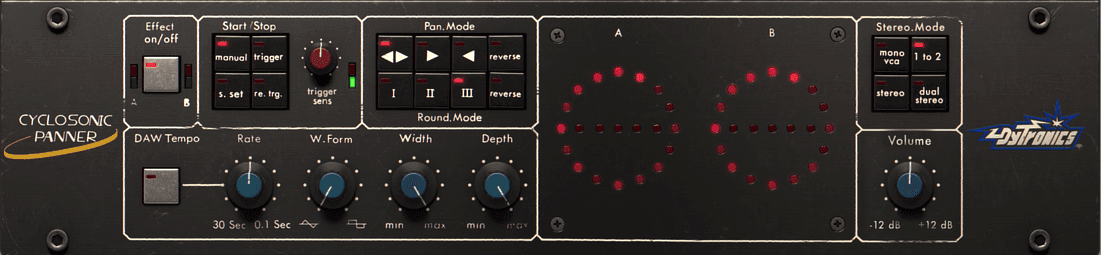
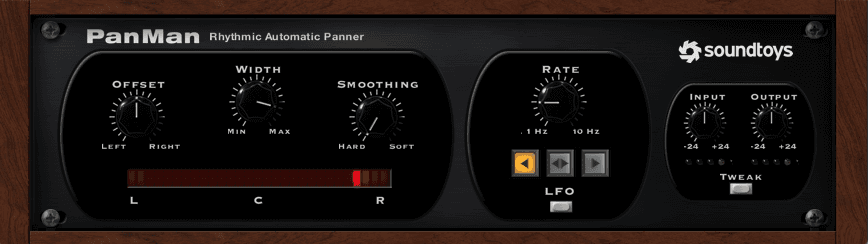
Auto panning
Thanks to some cool hardware and plugins, you can apply automatic dynamic panning. This can be great for adding rhythmic movement to things like synth arpeggios for a more exciting mix. They can even be synced to your project tempo.
In general, these are pretty phase-safe.
Stereo Widening
When we talk about stereo widening, we need to distinguish between two kinds of effects. On the one hand, there are stereo imagers, which operate on stereo signals to make them sound wider or narrower.
Then there are stereo-generating effects, which introduce artificial stereo effects to mono material. Such devices operate in a number of ways, often combining multiple processes, then adding a stereo imager on top.
A common method, based on something called the Haas effect, involves creating a copy of the mono signal and offsetting the timing by up to 30-35 milliseconds. Here’s a mono synth loop, followed by the same loop with a 20ms Haas effect applied.
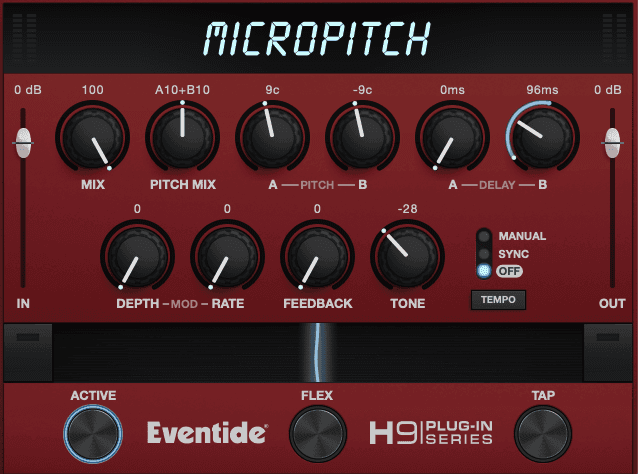
Another approach applies micro-tuning differences to the left and right channels.
Audio Link: Micro_pitch_stereo.mp3
By the way, if you’re currently thinking ‘Hang on… some of those phase-based processors sounded pretty stereo’... well spotted.
Yes, many of them can be used to introduce stereo. Indeed chorus is one of the most common artificial stereo effects, and defines the sound of many 80s synths.
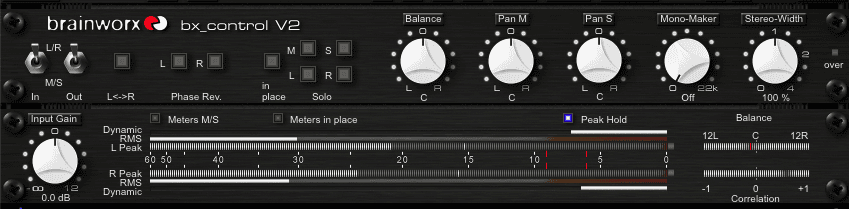
Mid- / side-processors: When we talk about stereo imaging processors, we’re usually talking about some kind of mid- / side- device. This can seem confusing, but it is fundamentally simple.
If you think of a stereo mix, there is some information that is only in the left channel or the right channel, and there is a lot of frequency information that is present in both the left and the right channels.
Mid-Side simply splits these into two distinct signals. Let’s see how that sounds with the drum loop we heard earlier.
Stereo imagers – commonly called ‘width’ controls – usually just adjust the balance between these two, often using a single control to move between those signals.
Reducing the Side signal makes the material seem more mono, while reducing the Mid signal makes it seem wider.
Other stereo effects: There are a number of other effects that can introduce stereo – stereo reverbs, ping-pong (panning) delays, 3D psychoacoustic processors.
Likewise, recording multiple takes of the same vocal line (or any part) and panning them around is a way of generating stereo as it includes minor timing and pitch differences.
As a rule of thumb, if a sound feels like it’s simply bouncing from one side to another and back, it’s phase-friendly, but if it feels constant and ‘wide’, you should keep an eye on its phase.
Dangers of widening
There are a number of dangers to extreme widening. For example, too much widening on an individual sound feels like somebody is trying to suck your eardrums out of your head. After 30 seconds of this next loop through your monitors your ears will feel weird for 15 minutes.
Audio Link: Easy_now_tiger.mp3
But the main problem is playback compatibility.
Anything you do to change the phase between left and right channels (i.e. the timing relationship of the waves), or between two copies of the same signal played through one channel, can have a powerful effect. Consequently, stereo widening can introduce phase issues when somebody listens to your music.
Stereo bass is particularly problematic as it often causes bass cancellation when played back in different spaces or summed to mono.
And if you plan to cut your tracks to vinyl, forget about stereo bass – the cutting lathe physically cannot cut stereo sub bass without the master lacquer disc groove collapsing.
Consequently, many mastering plugins let you mono all the frequencies below a certain frequency (commonly around 100Hz). Still, it’s usually safer to avoid widening effects on bass parts in the first place.
And speaking of mono.
Mono compatibility
Avoiding stereo problems largely comes down to mono compatibility. This simply means making sure your mix will play back accurately on mono systems, namely, without phase cancellation.
Why bother? Live venues like restaurants, bars, and cafes often prefer mono as it’s the easiest way to ensure consistent listening for their customers. Also, many smart speakers and portable Bluetooth speakers sum stereo music to mono.
Mono summing
Almost all mono playback systems work by combining the left and right channels, and most DAWs will offer a simple tool for this, so the easiest test for mono compatibility is to apply that process and listen.
It will seem a little dull and lifeless, but you’re simply listening to make sure everything is audible, and no harshness is introduced. Pay particular attention to parts that you’ve applied stereo effects to.
Correlation meters
A more scientific tool for mix checking is a correlation meter. This analyses left and right channels and lets you know when you should expect phase cancellation issues on playback.
If it flags up a warning, check the danger elements in your mix first – the wide sounds. If you’ve used widening, try making it less extreme.
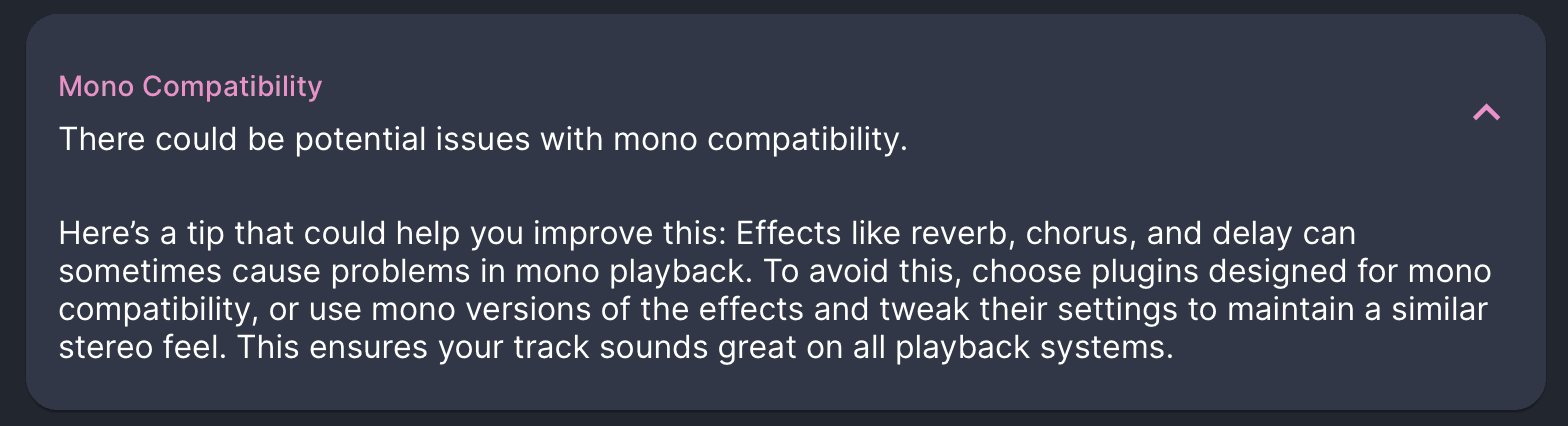
If you don’t have a correlation meter, don’t worry. Mix Check Studio can check your mix or master for you and give you practical advice if it’s either too narrow or likely to cause phase issues.
Time for some action
If you made it this far, congratulations. You now know everything you need to start crafting wide, punchy, mono-compatible mixes.
Why not go away now and listen to some of your favourite tracks to see which techniques they use? Which sounds are panned? Which have artificial stereo? Which are slamming straight down the middle of the stereo image?
Write it down, open up one of your own projects, and try applying these techniques to your own mixes.
Learn