AI Mixing vs AI Mastering: What's the Difference, and Which Do You Actually Need?
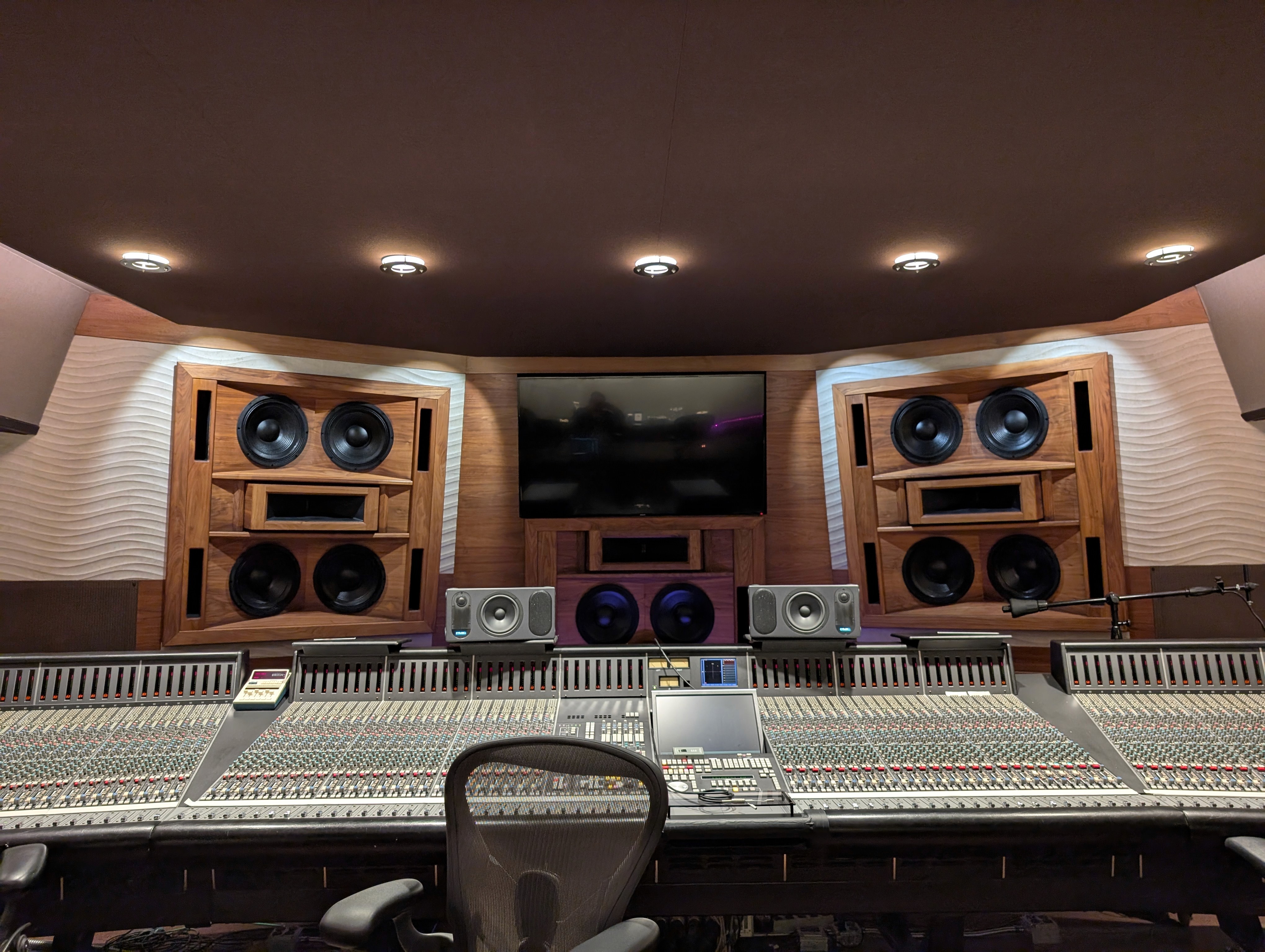
AI mastering tools are everywhere. But if you're only mastering, you're skipping the step that makes the biggest difference to how your music sounds. Here's why mixing matters more than you think…
If you've spent any time looking into getting your music release-ready, you've almost certainly come across AI mastering services. Upload a stereo file, wait a minute or two, and you get a louder, brighter version back. Job done.
Except… not quite. Because mastering is the last step in the production chain. And if the mix underneath isn't right, no amount of mastering – AI or otherwise – is going to fix what's really going on.
Let's break it down.
What mixing actually does
Mixing is where a track truly takes shape. It's the process of taking your individual stems – drums, bass, vocals, guitars, synths, whatever you've got – and combining them into a cohesive stereo track.
That involves a lot of decisions: how loud each element sits relative to everything else (levels), carving out space so instruments aren't fighting each other (EQ), controlling dynamics so the track feels consistent (compression), placing sounds across the stereo field (panning), and adding depth and character with effects like reverb and delay.
A good mix is what makes a track feel wide, punchy, and alive. It's the difference between a rough demo and something that sounds like it belongs on a playlist. And it's also, by a country mile, the hardest part of the production chain to get right – which is exactly why it's the step most bedroom producers struggle with.
What mastering actually does
Mastering comes after mixing. It takes your finished stereo mix and prepares it for distribution. Think of it as the final polish – the last quality check before your track hits Spotify, Apple Music, or wherever you're releasing.
A mastering engineer (or AI) will typically optimise loudness to meet streaming platform standards (if you're unfamiliar with LUFS and loudness targets, our guide to loudness and metering breaks it all down), apply final EQ adjustments for tonal balance across playback systems, add subtle compression or limiting to glue things together, and ensure the track translates well on headphones, car speakers, phone speakers, club systems – everything.
Mastering is important. But it's working with a finished mix. It can enhance what's already there. It cannot fundamentally change what isn't.
For a fuller breakdown of what automated mastering actually does under the hood, see Automated Mastering: What It Is and How to Get It Right.
The problem with mastering-only tools
Here's where a lot of producers get caught out. You record your stems, bounce a rough mix from your DAW, upload it to an AI mastering service, and get something back that sounds louder and shinier. It feels more polished on first listen.
But the underlying issues – muddy low-mids, buried vocals, clashing frequencies, no stereo width – are all still there. They're just louder now.
This is one of the oldest principles in audio engineering: mastering can't fix a bad mix. It applies just as much to AI tools as it does to a human sitting behind an Augspurger rig in a treated room.
If your kick and bass are fighting in the low end, mastering compression will make that fight worse, not better. If your vocals are sitting too far back, a broad EQ boost in the upper-mids might add some presence, but it'll also brighten everything else – which probably isn't the move.
The mix is the foundation. Mastering is the roof. You wouldn't build a roof on dodgy foundations and expect the house to stand.
So which do you actually need?
It depends on where you are in the process.
You need mixing if you've got individual stems or tracks that need to be combined into a balanced stereo track. This is most independent producers – you've recorded or produced the parts in your DAW, and now they need to be brought together. If you're exporting stems, mixing is the next step.
You need mastering if you've already got a well-balanced stereo mix that you're happy with and want to prepare it for release. Maybe you mixed it yourself and the balance feels right, or a mixing engineer has already worked their magic. Now you just need the final loudness and tonal optimisation for streaming.
You need both if you're starting from stems and want a release-ready track. Which, honestly, is most people. The ideal workflow is: mix your stems into a balanced stereo track, then master the result.
Why AI mixing is a harder (and more recent) problem
AI mastering has been around for over a decade – LANDR launched in 2014. It was one of the first areas where AI made a genuine impact on music production, and there are now plenty of tools that do it well.
But AI mixing – taking individual stems and making all those complex, relational decisions about levels, EQ, compression, panning, spatial effects – is a fundamentally harder problem.
The reason? Mastering operates on a single stereo file. It's essentially asking: 'How do I make this thing louder and more balanced?' That's a relatively constrained optimisation problem. Mixing, by contrast, operates on multiple stems simultaneously and asks: 'How do these elements interact with each other, and what decisions will make them work together as a coherent whole?'
It's the difference between editing a photograph and composing one from scratch.
How a kick drum and bass guitar share the low end. How vocals need to sit above a dense synth pad without masking the guitar. How a quiet acoustic passage needs completely different treatment to a wall-of-sound chorus. These are relational, context-dependent decisions – not just per-track processing.
This is the challenge RoEx has been working on. Automix analyses the spectral content, dynamics, and interactions between your stems, then applies processing – EQ, compression, panning, reverb, level balancing – informed by professional mixing principles and optimised for your chosen genre. You can preview the result, tweak levels, and when you're happy, master the final mix for release. Pro subscribers can even export their session to Ableton Live, Bitwig, or Fender Studio for further refinement.
The goal isn't to replace the creative process – it's to give you a professional-quality starting point in minutes rather than hours, so you can focus on the decisions that actually matter to you.
Where to start
If you're unsure about the state of your current mix, Mix Check Studio offers a free analysis. Upload your track and it'll give you objective, actionable feedback on tonal balance, dynamics, stereo width, and loudness – telling you exactly what's holding your mix back before you commit to mastering.
If you want the full workflow – from stems to a balanced mix to a release-ready master – Automix handles both, and you can try it with a free mix download.
Automix is also available as a desktop app for Mac and Windows. Automix Desktop (Beta) runs the full AI mixing and mastering workflow offline - no uploads, included with Automix Pro.
Frequently asked questions
What is the difference between AI mixing and AI mastering?
Mixing takes individual stems and combines them into a balanced stereo track, handling levels, EQ, compression, panning and effects. Mastering comes after mixing and prepares a finished stereo mix for release, optimising loudness and tonal balance for streaming platforms. Mastering cannot fix problems that belong at the mixing stage.
Can AI mastering fix a bad mix?
No. Mastering applies processing to a finished stereo file and cannot address individual elements separately. If a mix has issues such as muddy low-mids or buried vocals, mastering will not resolve them, it can only enhance what is already there.
Do I need mixing, mastering, or both?
You need mixing if you have individual stems that need to be combined into a balanced stereo track. You need mastering if you already have a well-balanced stereo mix ready for release. You need both if you are starting from stems and want a release-ready track, which applies to most independent producers.
Why is AI mixing harder than AI mastering?
Mastering operates on a single stereo file, a relatively constrained problem. Mixing operates on multiple stems simultaneously and requires relational, context-dependent decisions about how those elements interact, such as how a kick drum and bass guitar share the low end.
The bottom line
Mastering is important – but it's the final 10%. The mix is the other 90%.
If you're only mastering your tracks, you're polishing a surface that may not be level yet. Get the mix right first – whether by doing it yourself, hiring an engineer, or using an AI mixing tool – and then master the result. That way, mastering does what it's supposed to do: putting the final shine on something that already sounds great.
Your music deserves both.
Learn