How to Master a Track to Match a Reference Song With AI
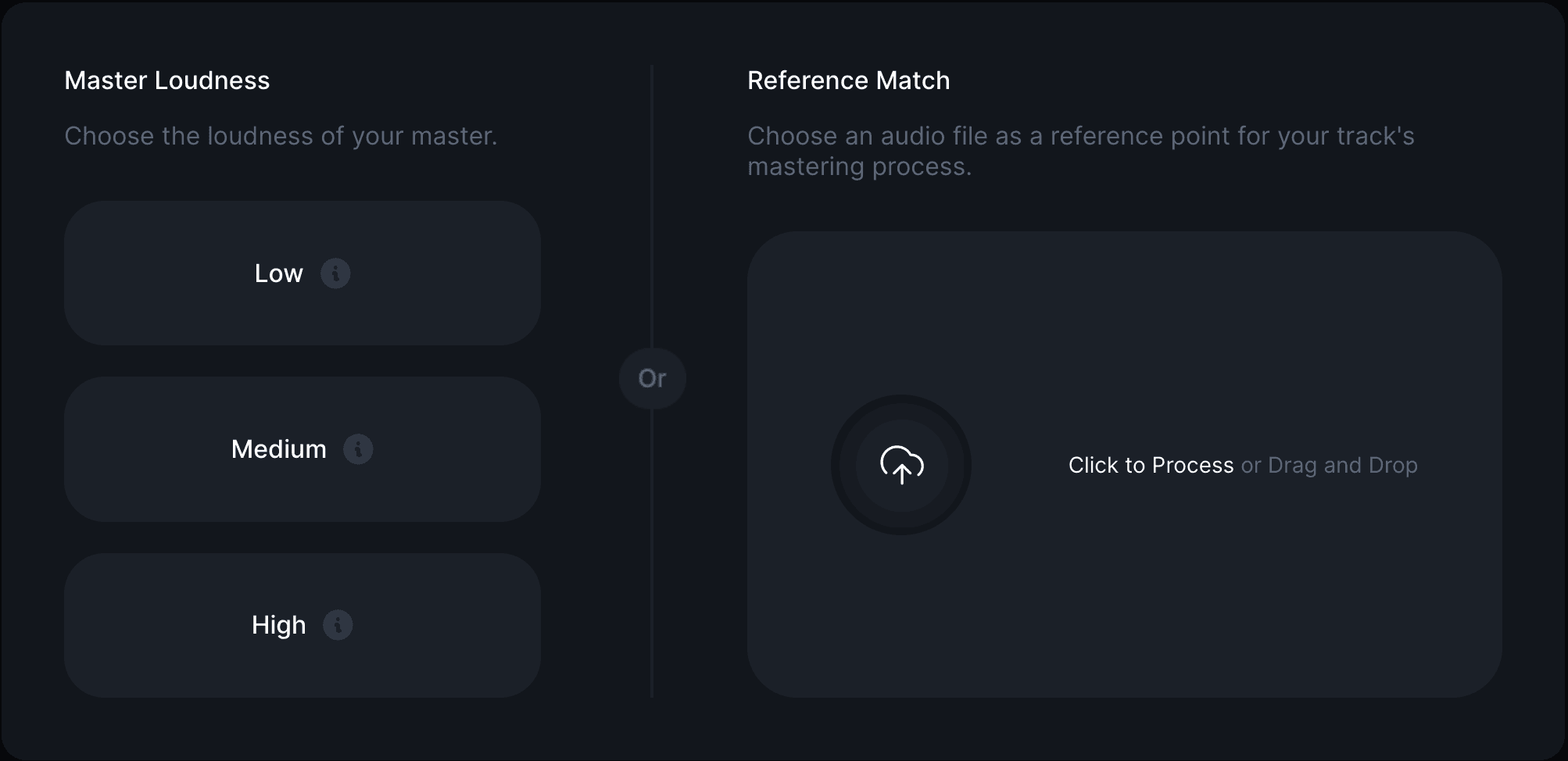
Reference track mastering is the process of shaping a master so that it matches the tone, loudness, stereo width and dynamics of a song you choose as a benchmark. Instead of setting generic targets and hoping for the best, you tell the mastering engine what you want your track to sound like, and it works towards that target. RoEx Automix offers this as Reference Match, available on Automix Pro.
Reference matching is one part of a broader mastering process. For the fundamentals, preparing your mix, understanding loudness targets and knowing what mastering can and cannot fix, see Online Mastering: What It Is and How to Get It Right.
What reference track mastering actually does
When you submit a reference track alongside your own mix, Automix analyses both files across tone, dynamic range, stereo width and loudness. It then adjusts your master to align with the reference track's profile, rather than applying a generic genre preset. The result is a master shaped around a specific sonic target you have chosen, not an average.
Reference matching in Automix applies to mastering only, not mixing. It shapes the finished master, not the balance between your individual stems. If you are unsure whether you need mixing, mastering, or both, AI Mixing vs AI Mastering: What's the Difference? covers the distinction in full. Reference Match itself sits within the mastering stage, applied after mixing is complete.
Why match a reference track instead of using a preset
Genre presets are broad. A reference track gives Automix a specific, concrete target rather than an average for the genre.
It is useful for playlist parity, matching the sonic energy of a target playlist or scene your track needs to sit alongside.
It removes guesswork for producers without mastering experience, who may not know what “warmer” or “wider” should actually sound like in practice.
It is faster than trial and error with a generic loudness target, since the reference does the specifying for you.
Loudness is one of the parameters Reference Match aligns to your chosen song. For a broader look at loudness targets by platform and genre, What LUFS Should I Master At? covers it in detail.
How to master a track to match a reference song in Automix
Upload your finished stereo mix. If you are starting from multitrack stems, let Automix mix them first; Reference Match applies at the mastering step that follows.
Open the Master panel for your track in Automix.
Submit a reference track: a WAV or MP3 file you hold the rights to use, ideally a commercially released, well-mastered song in a similar style to your own.
Automix analyses both files and matches your master's dynamics, stereo width and tone to the reference track's profile.
Preview the result before paying for the download. If the balance is not right, try a different reference track and run it again.
What makes a good reference track
Similar genre and energy to your own track, rather than a stylistic outlier.
Well mastered to begin with. Matching a poorly mastered reference will carry its problems into your own master.
Broadly similar instrumentation, so the tonal target makes sense for what you are working with.
Frequently asked questions
What is reference track mastering?
It is a mastering approach where the engine (human or AI) shapes your master to match the tone, loudness, stereo width and dynamics of a song you choose as a benchmark, rather than applying a generic preset or target.
Can AI match my master to a specific song?
Yes. RoEx Automix's Reference Match feature analyses a reference track you provide and adjusts your master's dynamics, stereo width and tone to align with it.
Does reference matching work for mixing as well as mastering?
No. In Automix, reference matching is a mastering feature only. It does not adjust the balance between individual stems in a mix.
Do I need Automix Pro to use Reference Match?
Yes. Reference Match is included as part of an Automix Pro subscription.
What file formats can I use as a reference track?
WAV or MP3, provided you hold the necessary rights to use the file.
Ready to try it? Master your first track with Automix, free to preview.
Learn